

| 1 | Scroll down to preview both published posts of different categories and custom post types. |
|---|---|
| 2 | Different post category and post type will have different hover background color. |
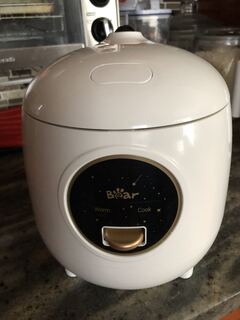
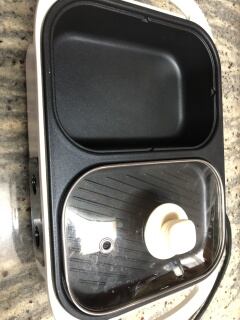
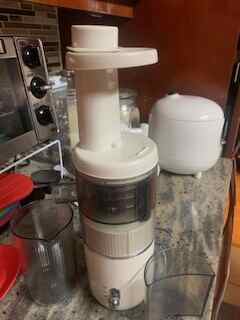
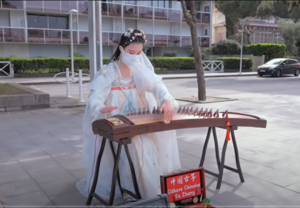
| 3 | The post featured image will be the background image and the post title, post category or post type will display over the image. |
| 4 | A default image will be used if there is no featured image uploaded for that post. |
| 5 | A select drop-down filter will be shown at the beginning of the page (under the phrase: Keep scrolling down to preview all the posts) to let users to filter on the post category or post type after they reach the end of the page. |
| 6 | Click the close icon on the right-top corner of this section to close this instruction. |




This is the end of page content.
No more pages to load.